Why One-Size-Fits-All WhatsApp Templates Don’t Work
The Problem: A restaurant owner uses the same WhatsApp templates as a coaching institute. Result? 68% lower engagement and constant template rejections.
The Reality: WhatsApp success isn’t about sending messages—it’s about sending the right messages to the right audience at the right time.
After analyzing 2,100+ businesses using Waboi, we discovered that industry-specific templates perform 3.2x better than generic ones.
This WhatsApp Template Guide is designed to help every business—from D2C and education to agencies and retail—understand how to use high-performing templates that follow Meta’s 2025 rules.
- Industry-specific templates for 9 business categories
- Real-world examples from businesses crushing it on WhatsApp
- Approval-proof formulas that follow Meta’s 2025 guidelines
- Conversion optimization tips for each template type
This whatsapp template guide will cover: - WhatsApp templates for business
- WhatsApp message examples
- WhatsApp marketing templates
- WhatsApp business API templates
- Meta WhatsApp template rules
- WhatsApp template approval
- Industry-based WhatsApp templates
- WhatsApp automation
- WhatsApp D2C templates
- WhatsApp education templates
- WhatsApp agency templates
Table of Contents
Chapter 1: WhatsApp Template Fundamentals (2025 Update)
Before you start creating templates, this WhatsApp Template Guide explains the three core template categories you must master in 2025.
For complete Meta guidelines on WhatsApp templates, you can refer to Meta’s official documentation:
https://developers.facebook.com/docs/whatsapp/cloud-api/guides/send-message-templates
The Three Template Categories You Must Know
1. Marketing Templates – Promotional messages, offers, announcements
2. Utility Templates – Transactional updates, alerts, notifications
3. Authentication Templates – Security codes, login verification
These are the foundation of the entire WhatsApp Template Guide, and every approved message must fall into one of these categories.
2025 Character Limits & Rules
- Header: 60 characters (text), Media supported
- Body: 1024 characters
- Footer: 60 characters
- Buttons: Up to 10 total (3 quick replies + CTAs)
The Approval Checklist
- Correct category selected
- No promotional content in utility templates
- Clear, specific call-to-actions
- Variables properly formatted {{customer_name}}
- Character limits respected
- Professional language throughout
WhatsApp Business Messaging Policy reference:
https://www.whatsapp.com/legal/business-policy/
For a deeper technical understanding of how WhatsApp Business API works — including pricing, onboarding, and message types — you can explore our full guide here: Ultimate Guide to WhatsApp Business API – https://waboi.com/ultimate-guide-whatsapp-business-api/
Chapter 2: D2C Brands – Turning Browsers into Buyers
The D2C WhatsApp Advantage
- 98% open rates vs 21% email open rates
- 45-60% conversion rates on abandoned cart messages
- 3x higher ROI than social media ads
Real Example: MamaEarth’s Cart Recovery Template
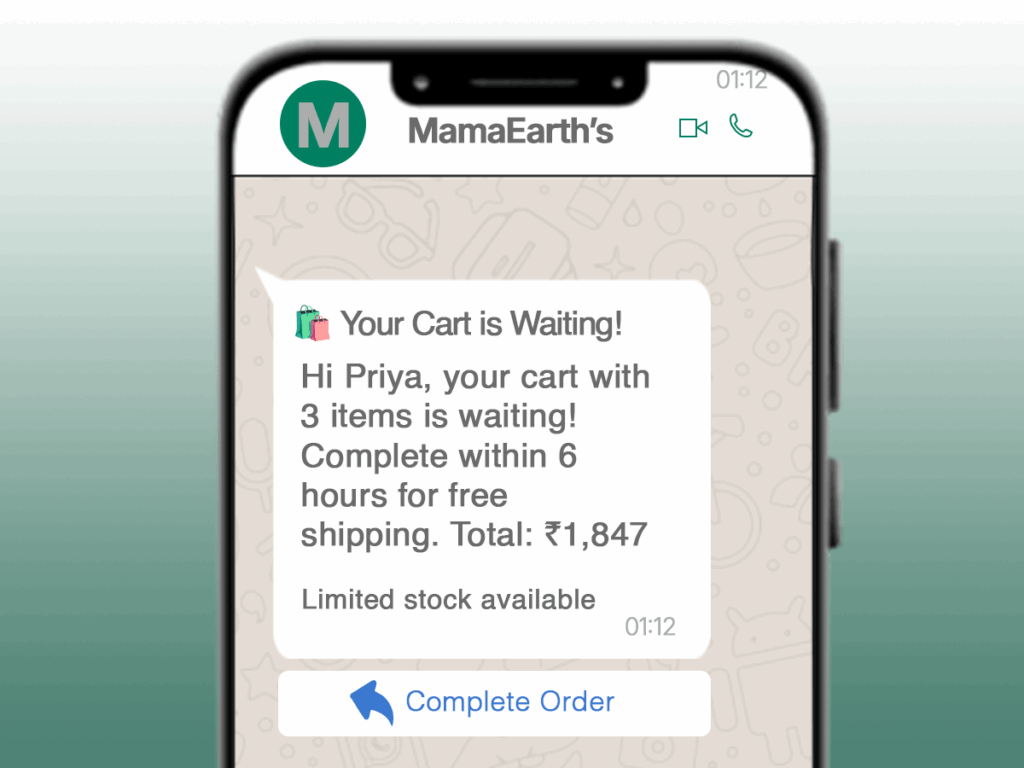
Actual Template They Use:
Header: 🛍️ Your Cart is Waiting!
Body: Hi Priya, your cart with 3 items is waiting! Complete within 6 hours for free shipping. Total: ₹1,847
Footer: Limited stock available
Buttons: [Complete Order]
Their Results:
- 32% cart recovery rate
- 28% higher AOV on recovered orders
- 45% of recovered customers became repeat buyers
Real Example: MyGlamm’s New Launch Template
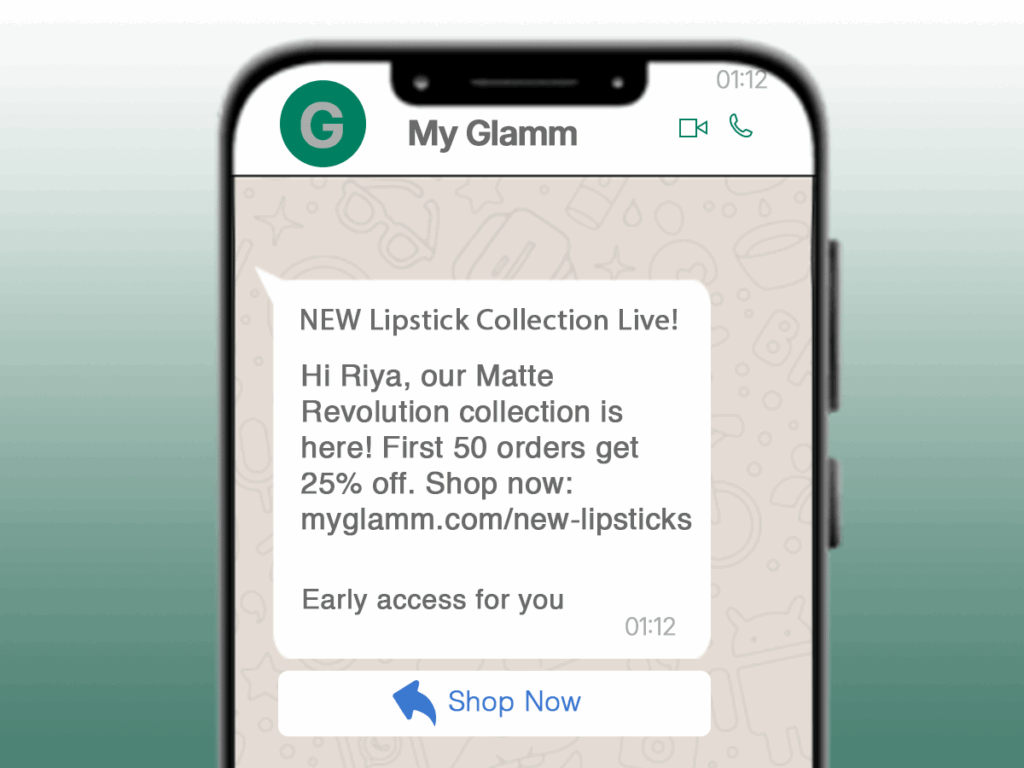
Header: NEW Lipstick Collection Live!
Body: Hi Riya, our Matte Revolution collection is here! First 50 orders get 25% off. Shop now: myglamm.com/new-lipsticks
Footer: Early access for you
Buttons: [Shop Now] [View Lookbook]
Their Results:
- 15,000+ orders in first 48 hours
- 67% open rate on launch messages
- 23% conversion rate from template clicks
Real Example: Bewakoof’s Order Shipped Template
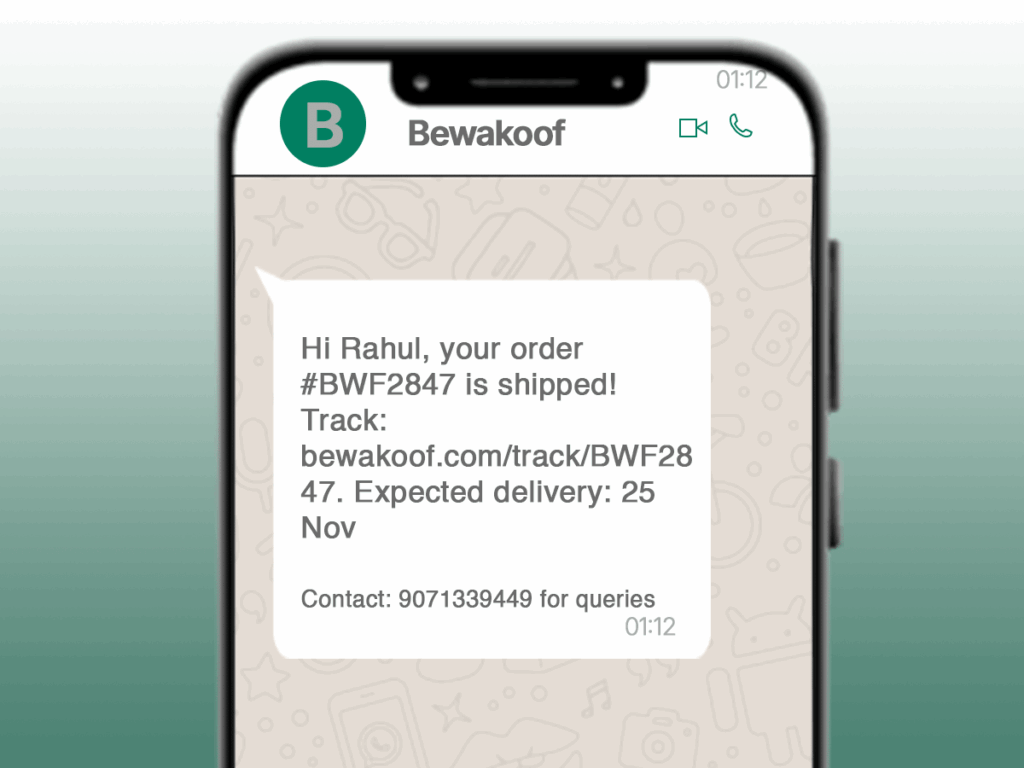
Header: TEXT
Body: Hi Rahul, your order #BWF2847 is shipped! Track: bewakoof.com/track/BWF2847. Expected delivery: 25 Nov
Footer: Contact: 9071339449 for queries
Buttons: [Track Order] [Contact Support]
In this WhatsApp Template Guide, D2C brands are among the biggest winners because they convert browsers into buyers using smart, personalized messaging.
Chapter 3: Education & Institutes – Automating Admissions & Engagement
The Education WhatsApp Edge
- 95% message open rate from parents/students
- 80% faster response to admission queries
- 40% reduction in admin workload
Real Example: BYJU’S Admission Confirmation Template
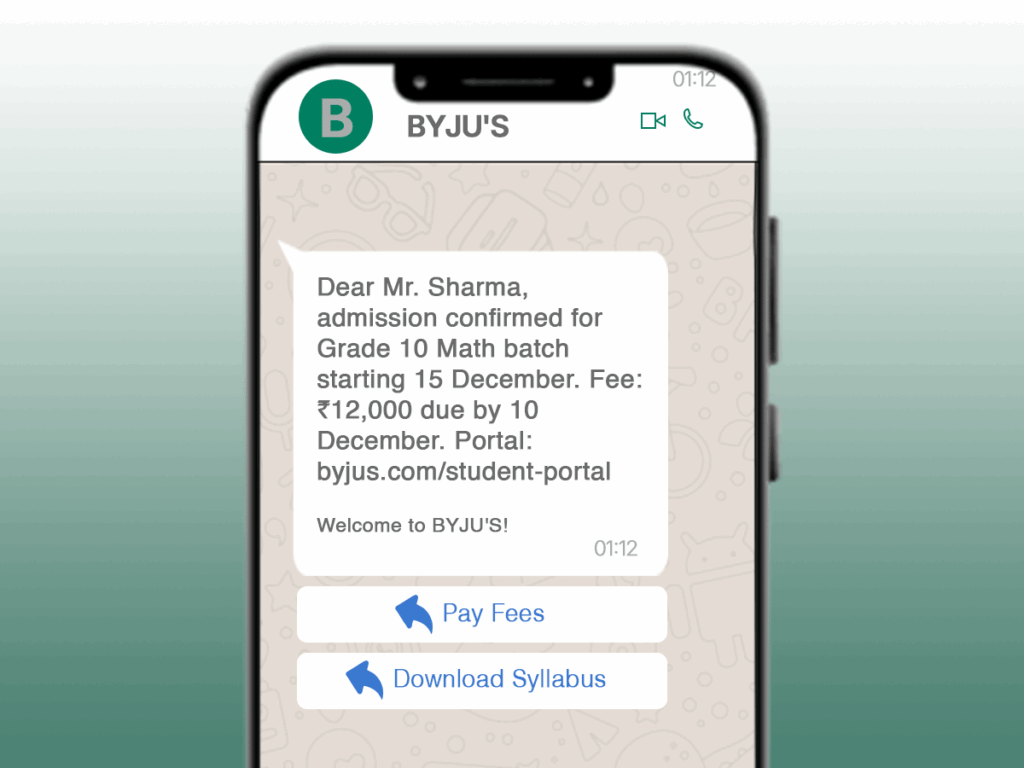
Actual Template They Use:
text
Header: TEXT
Body: Dear Mr. Sharma, admission confirmed for Grade 10 Math batch starting 15 December.
Fee: ₹12,000 due by 10 December. Portal: byjus.com/student-portal
Footer: Welcome to BYJU’S!
Buttons: [Pay Fees] [Download Syllabus]
Their Results:
- 89% on-time fee payments
- 62% reduction in “when does class start?” queries
- 35% faster onboarding process
Real Example: Unacademy’s Class Reminder Template
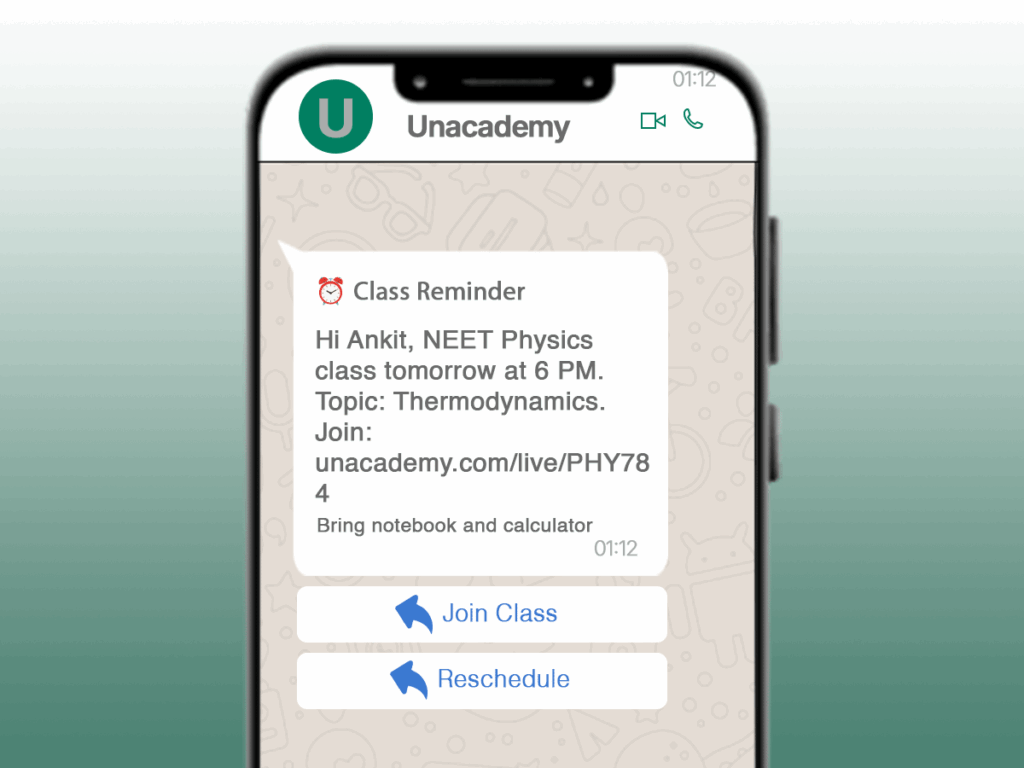
text
Header: ⏰ Class Reminder
Body: Hi Ankit, NEET Physics class tomorrow at 6 PM. Topic: Thermodynamics. Join: unacademy.com/live/PHY784
Footer: Bring notebook and calculator
Buttons: [Join Class] [Reschedule]
Their Results:
- 42% reduction in student no-shows
- 28% higher class completion rates
- 4.8/5 student satisfaction score
Real Example: ExtraMarks Fee Reminder Template
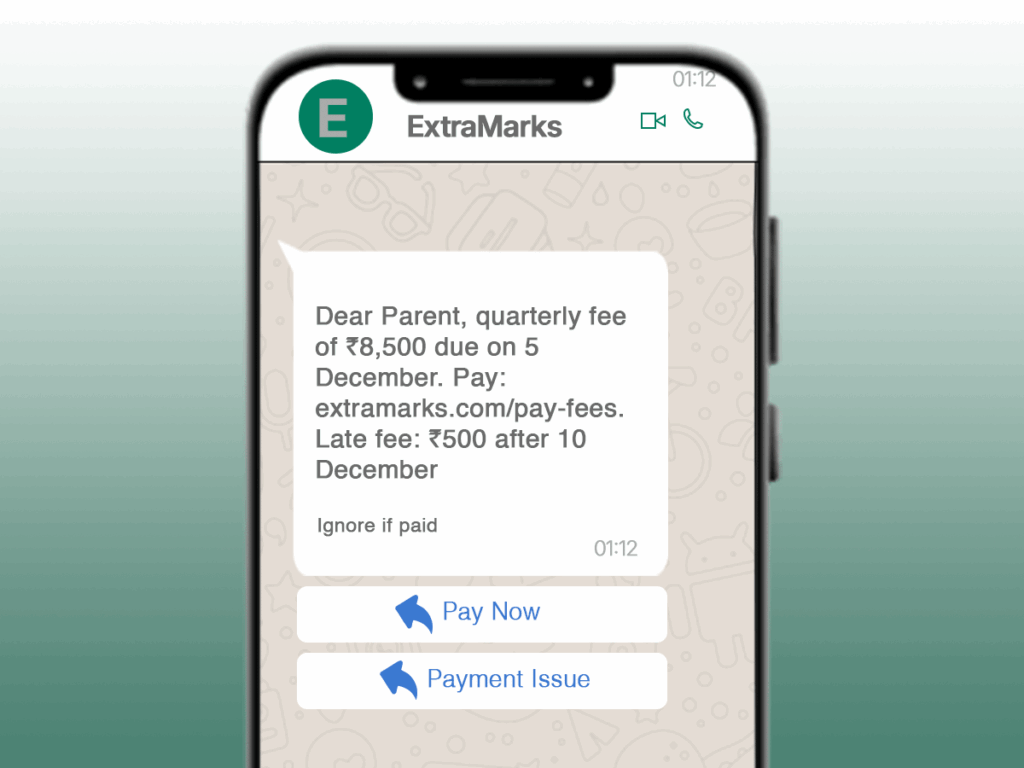
text
Header: TEXT
Body: Dear Parent, quarterly fee of ₹8,500 due on 5 December. Pay: extramarks.com/pay-fees. Late fee: ₹500 after 10 December
Footer: Ignore if paid
Buttons: [Pay Now] [Payment Issue]
Our WhatsApp Template Guide highlights how education institutes can automate admissions, reminders, and fee management effortlessly.
Chapter 4: Marketing Agencies – Scaling Client Communication
Agency WhatsApp Benefits
- 90% faster client reporting
- Multi-client management on one dashboard
- White-label capabilities for branding
Real Example: Client Reporting Template
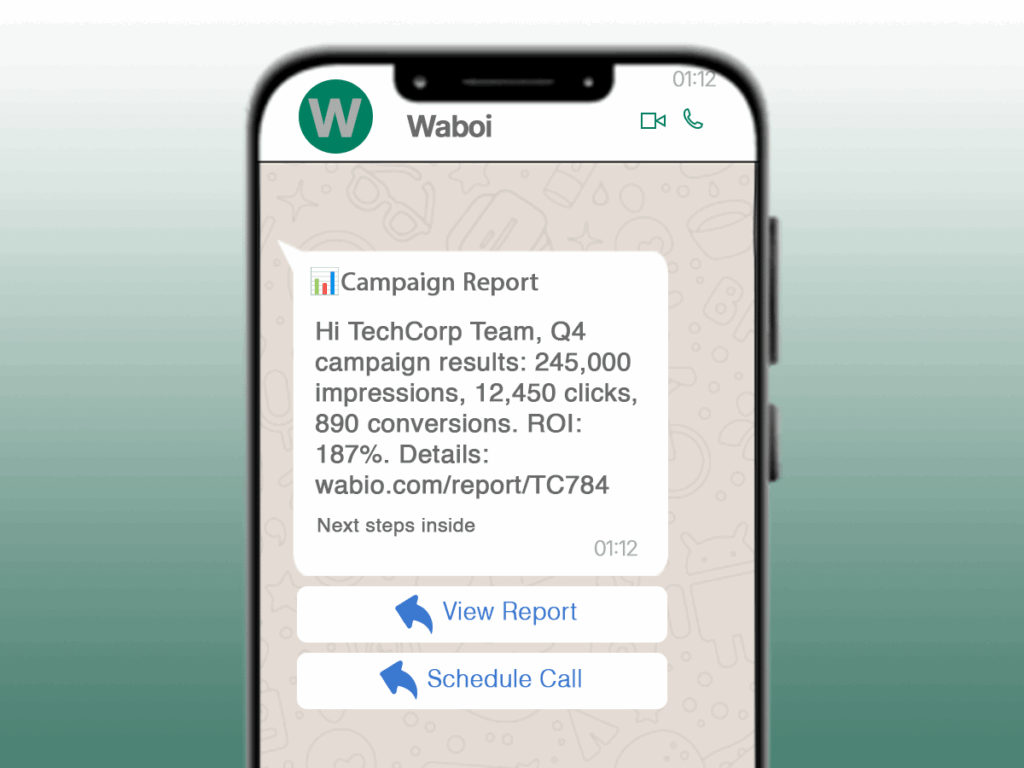
Actual Template They Use:
text
Header: 📊Campaign Report
Body: Hi TechCorp Team, Q4 campaign results: 245,000 impressions, 12,450 clicks, 890 conversions. ROI: 187%. Details: wabio.com/report/TC784
Footer: Next steps inside
Buttons: [View Report] [Schedule Call]
Their Results:
- 85% client retention rate
- 40% faster reporting process
- 3x more client touchpoints per month
Real Example: SocialPilot’s Meeting Reminder Template
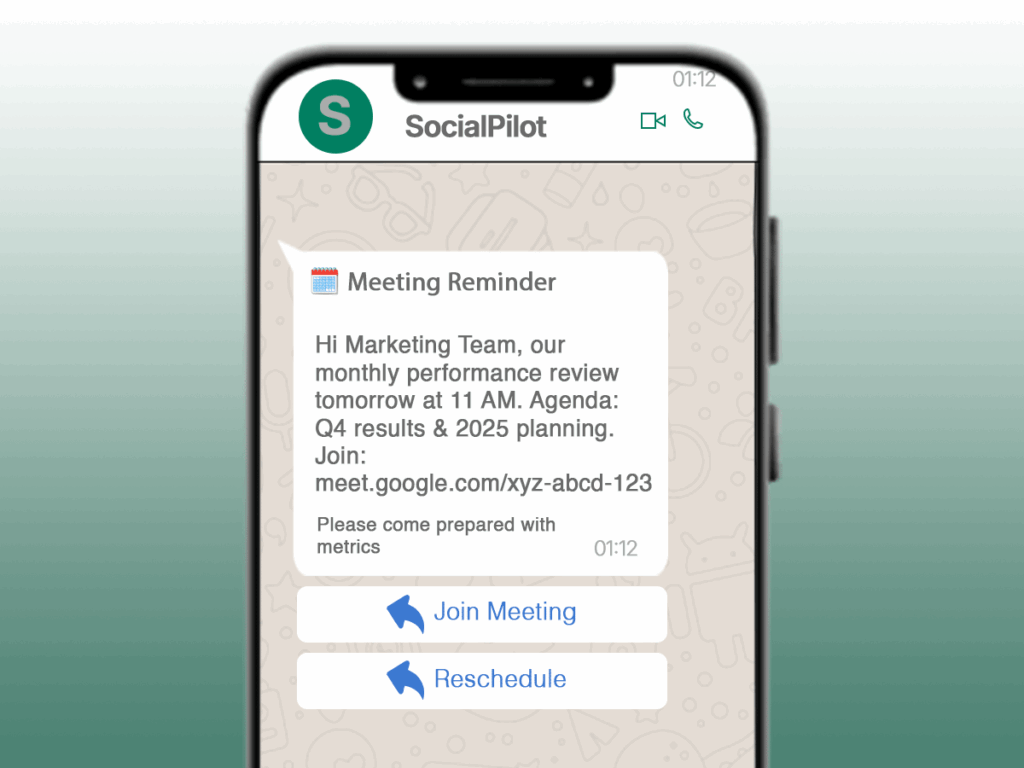
text
Header: 🗓️ Meeting Reminder
Body: Hi Marketing Team, our monthly performance review tomorrow at 11 AM. Agenda: Q4 results & 2025 planning. Join: meet.google.com/xyz-abcd-123
Footer: Please come prepared with metrics
Buttons: [Join Meeting] [Reschedule]
Real Example: AdAgency’s Service Announcement Template
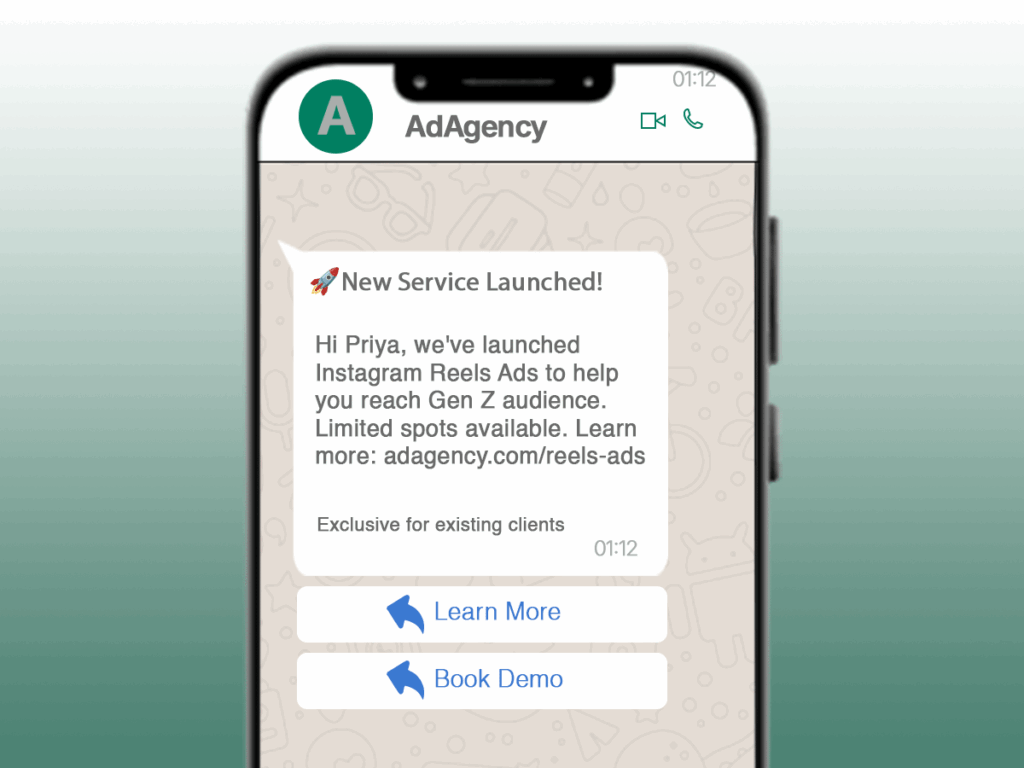
text
Header: 🚀 New Service Launched!
Body: Hi Priya, we’ve launched Instagram Reels Ads to help you reach Gen Z audience. Limited spots available. Learn more: adagency.com/reels-ads
Footer: Exclusive for existing clients
Buttons: [Learn More] [Book Demo]
Marketing agencies benefit heavily from this WhatsApp Template Guide because client communication, reporting, and reminders become fully automated.
Chapter 5: Restaurants & Hospitality – Table Management Made Easy
Restaurant WhatsApp Perks
- 40% reduction in no-shows
- 25% increase in repeat customers
- Real-time order updates
Real Example: Faasos’s Table Confirmation Template
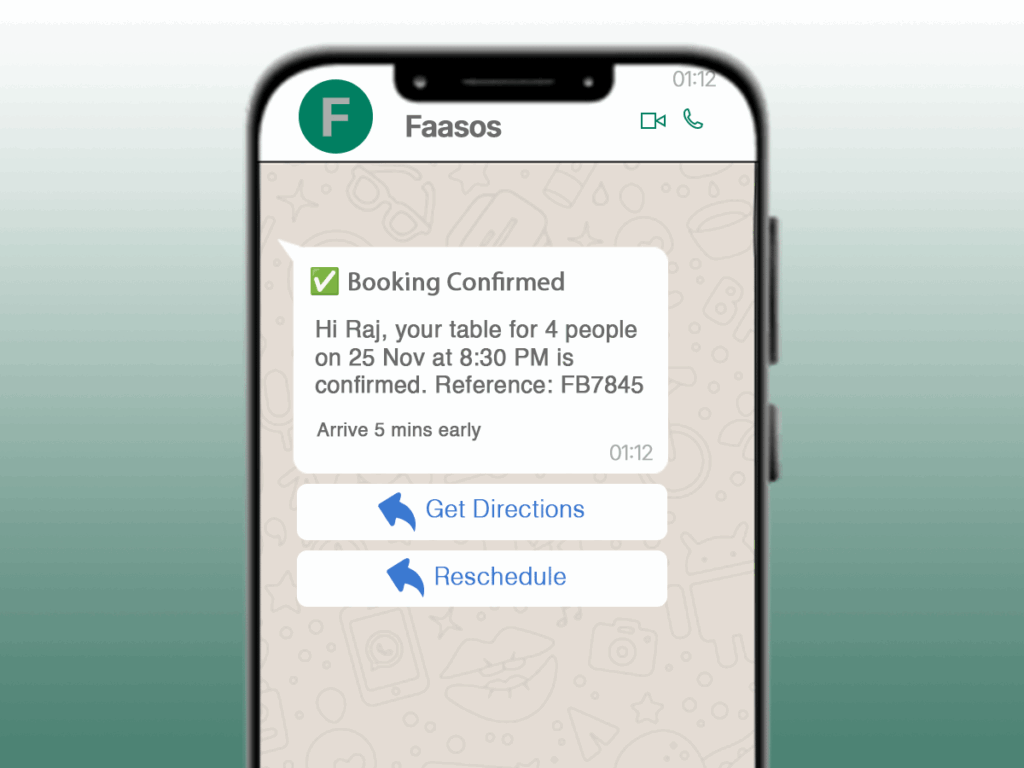
text
Header: ✅ Booking Confirmed
Body: Hi Raj, your table for 4 people on 25 Nov at 8:30 PM is confirmed. Reference: FB7845
Footer: Arrive 5 mins early
Buttons: [Get Directions] [Reschedule]
Their Results:
- 38% reduction in no-shows
- 22% increase in repeat bookings
- 4.7/5 customer satisfaction
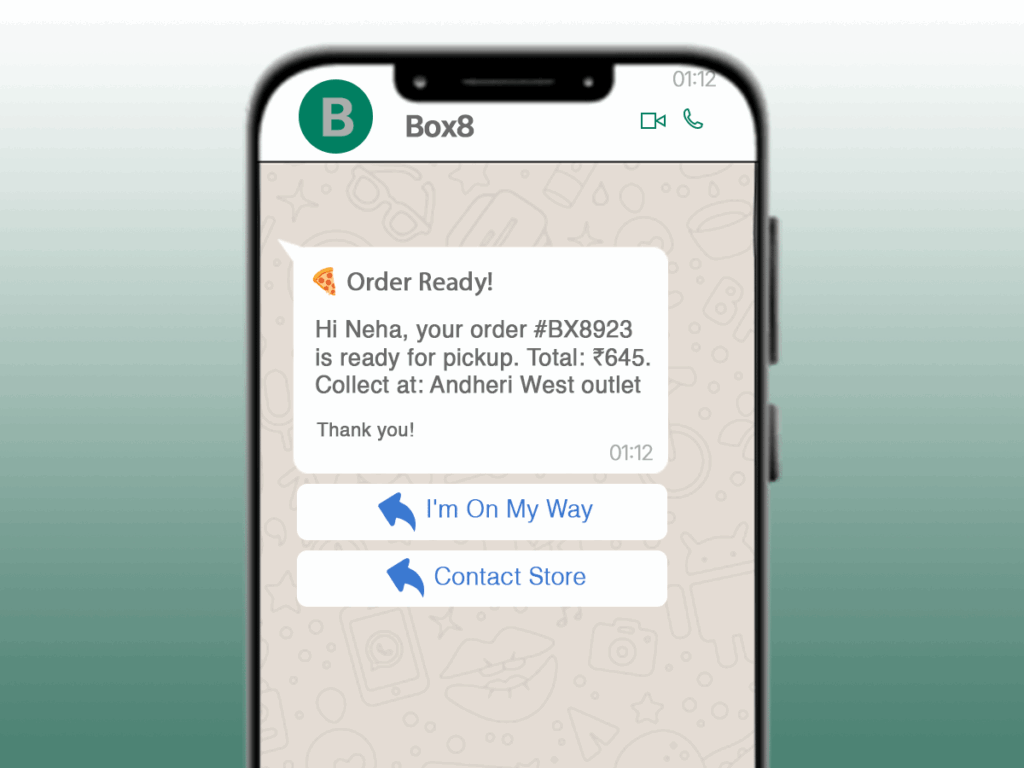
Real Example: Box8’s Order Ready Template
text
Header: 🍕 Order Ready!
Body: Hi Neha, your order #BX8923 is ready for pickup. Total: ₹645. Collect at: Andheri West outlet
Footer: Thank you!
Buttons: [I’m On My Way] [Contact Store]
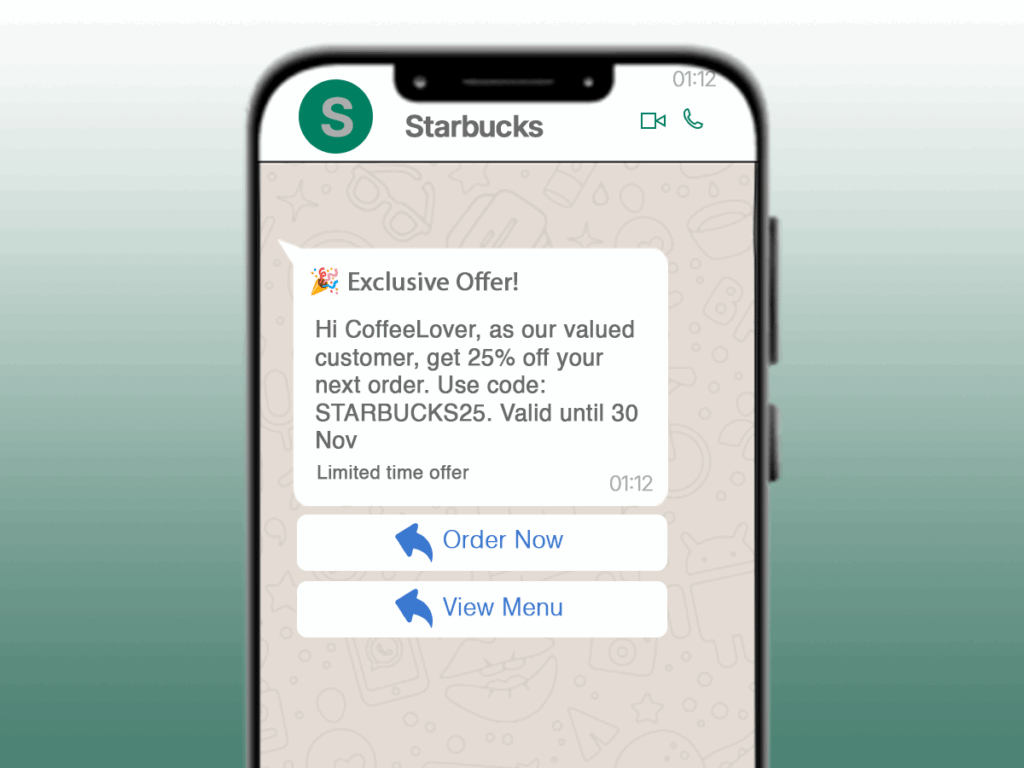
Real Example: Starbucks Special Offer Template
text
Header: 🎉 Exclusive Offer!
Body: Hi CoffeeLover, as our valued customer, get 25% off your next order. Use code: STARBUCKS25. Valid until 30 Nov
Footer: Limited time offer
Buttons: [Order Now] [View Menu]
As covered in this WhatsApp Template Guide, restaurants and hospitality businesses can reduce no-shows and increase repeat visits with automated WhatsApp notifications.
Chapter 6: Travel Agencies – Journey Management Automation
Travel WhatsApp Advantages
- Real-time updates for itinerary changes
- Instant support during travel
- Personalized recommendations
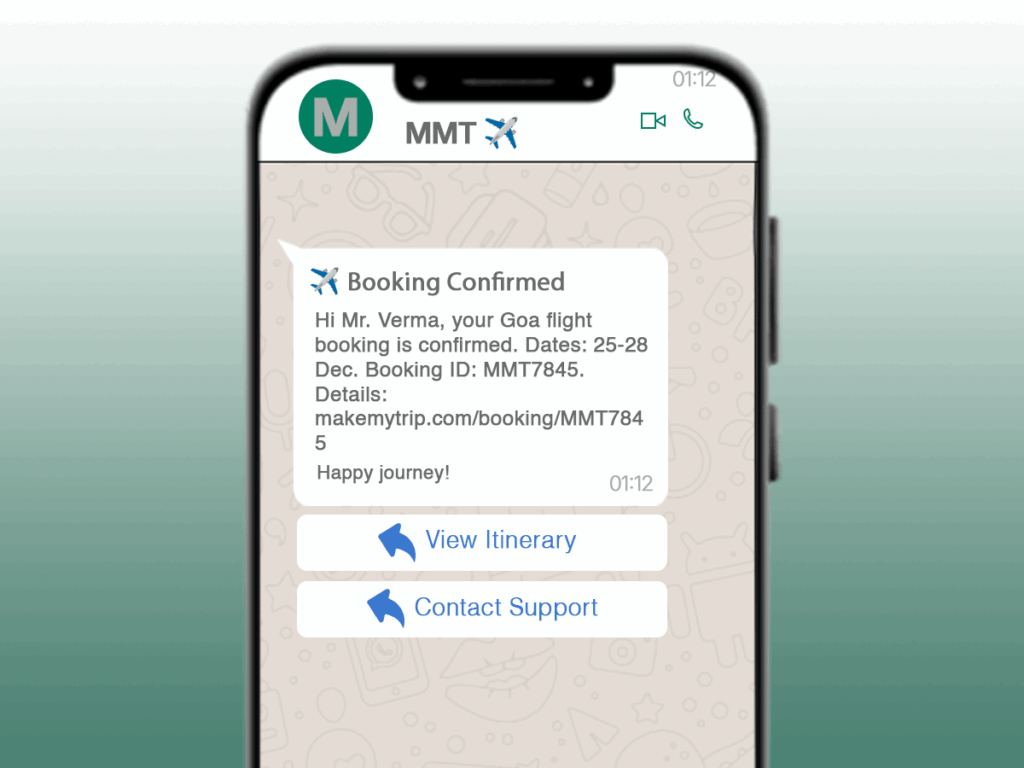
Real Example: MakeMyTrip’s Booking Confirmation Template
text
Header: ✈️ Booking Confirmed
Body: Hi Mr. Verma, your Goa flight booking is confirmed. Dates: 25-28 Dec. Booking ID: MMT7845. Details: makemytrip.com/booking/MMT7845
Footer: Happy journey!
Buttons: [View Itinerary] [Contact Support]
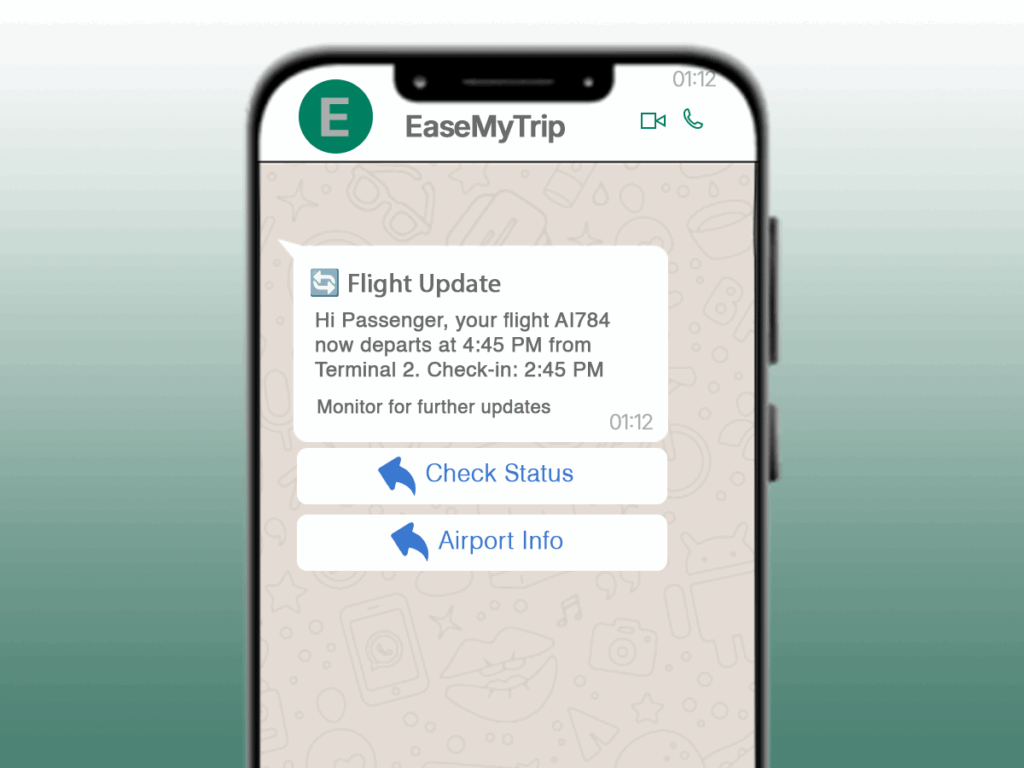
Real Example: EaseMyTrip’s Flight Update Template
text
Header: 🔄 Flight Update
Body: Hi Passenger, your flight AI784 now departs at 4:45 PM from Terminal 2. Check-in: 2:45 PM
Footer: Monitor for further updates
Buttons: [Check Status] [Airport Info]
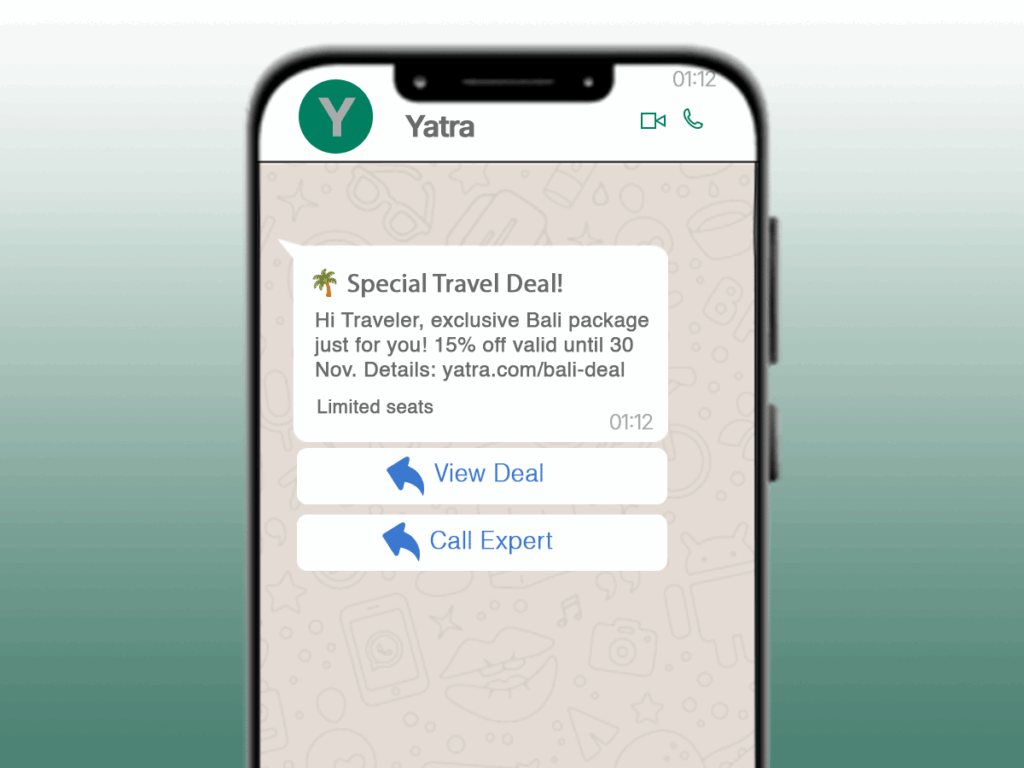
Real Example: Yatra’s Travel Offer Template
text
Header: 🌴 Special Travel Deal!
Body: Hi Traveler, exclusive Bali package just for you! 15% off valid until 30 Nov. Details: yatra.com/bali-deal
Footer: Limited seats
Buttons: [View Deal] [Call Expert]
This WhatsApp Template Guide also covers high-performing templates for travel agencies that rely on real-time updates and itinerary automation.
Chapter 7: Professional Services – Client Experience Excellence
Professional Services Edge
- 60% reduction in appointment no-shows
- Faster document collection
- Professional branding
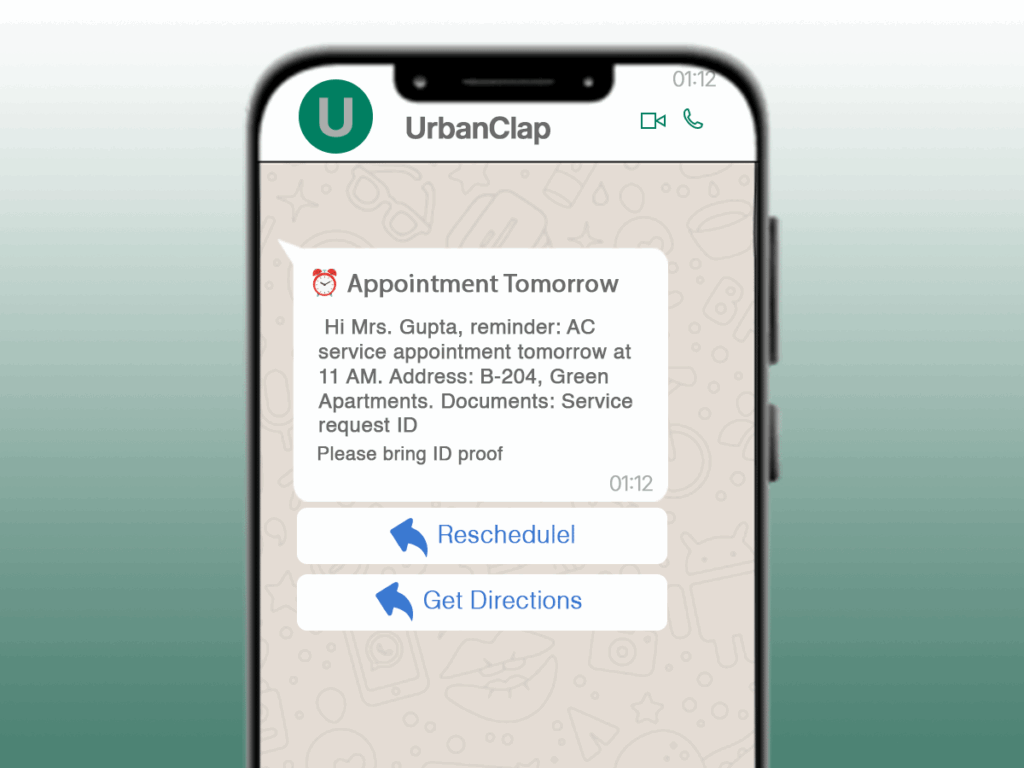
Real Example: UrbanClap’s Appointment Reminder Template
text
Header: ⏰ Appointment Tomorrow
Body: Hi Mrs. Gupta, reminder: AC service appointment tomorrow at 11 AM. Address: B-204, Green Apartments. Documents: Service request ID
Footer: Please bring ID proof
Buttons: [Reschedule] [Get Directions]
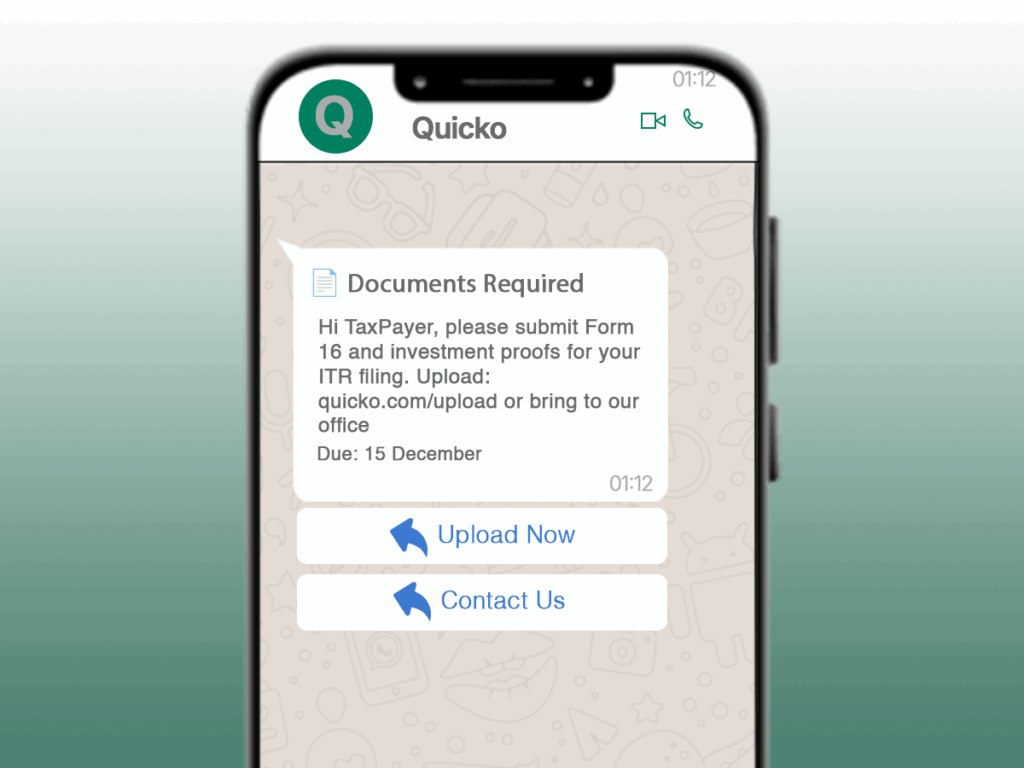
Real Example: Quicko’s Document Request Template
text
Header: 📄 Documents Required
Body: Hi TaxPayer, please submit Form 16 and investment proofs for your ITR filing. Upload: quicko.com/upload or bring to our office
Footer: Due: 15 December
Buttons: [Upload Now] [Contact Us]
Another major category in this WhatsApp Template Guide is professional services—where reminders, document requests, and confirmations matter the most.
Chapter 8: Spa & Salons – Appointment & Loyalty Management
Spa & Salon Benefits
- 90% appointment slot fill rate
- Personalized service recommendations
- Loyalty program integration
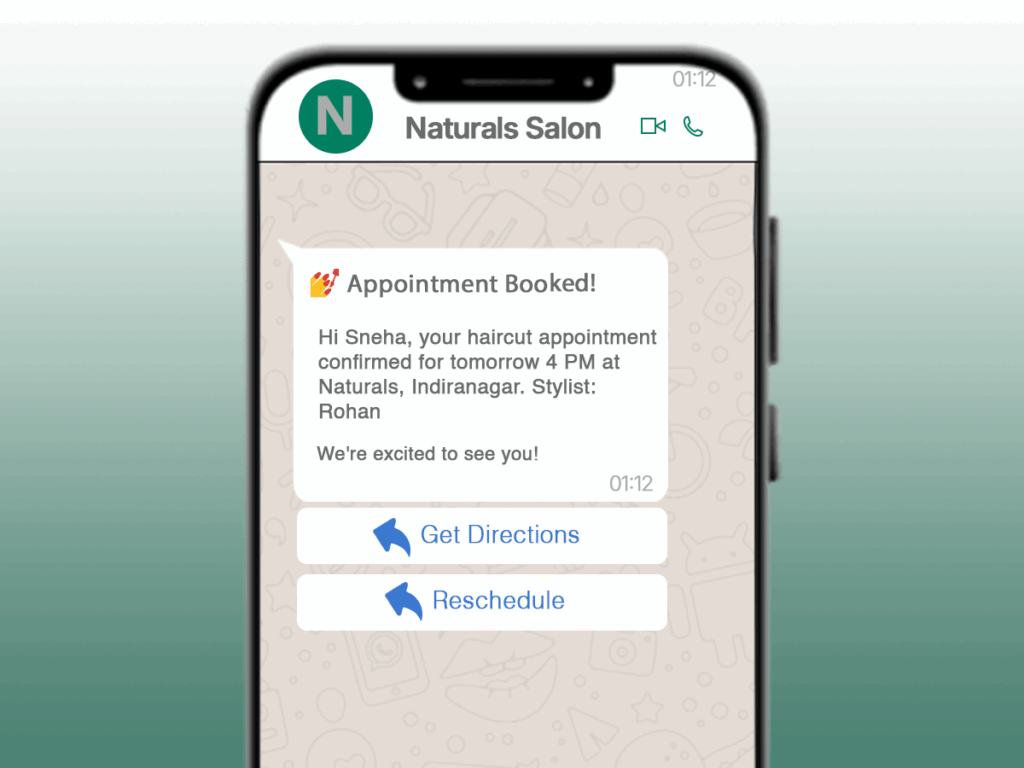
Real Example: Naturals Salon’s Appointment Template
text
Header: 💅 Appointment Booked!
Body: Hi Sneha, your haircut appointment confirmed for tomorrow 4 PM at Naturals, Indiranagar. Stylist: Rohan
Footer: We’re excited to see you!
Buttons: [Get Directions] [Reschedule]
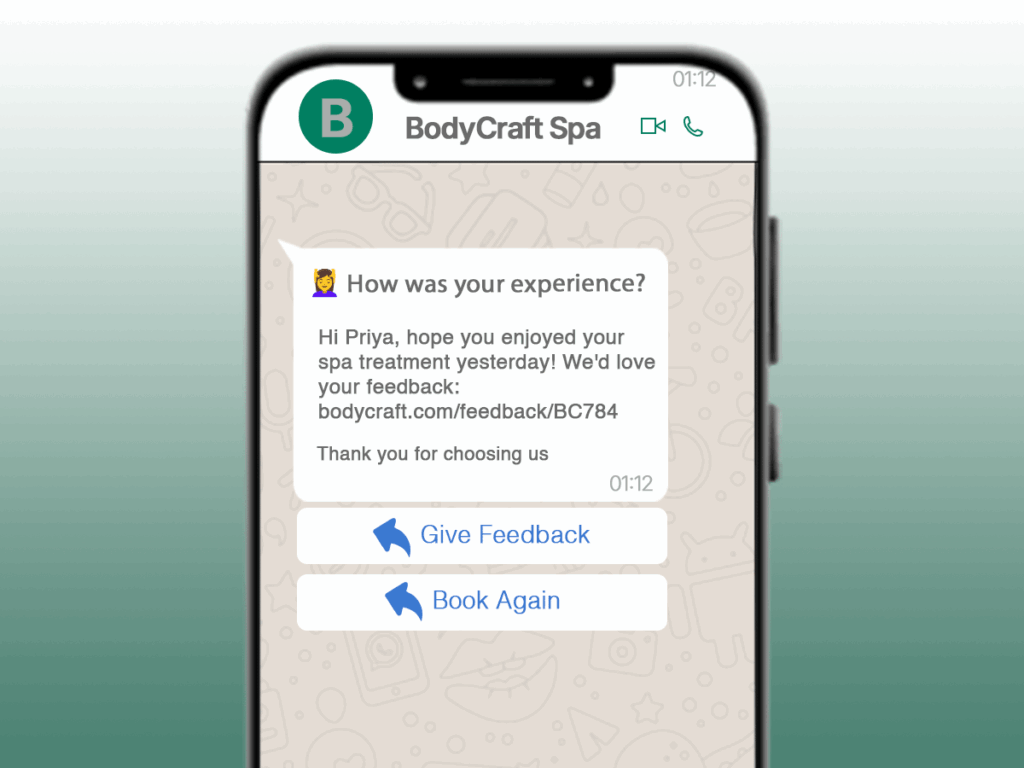
Real Example: BodyCraft Spa’s Follow-up Template
text
Header: 💆♀️ How Was Your Experience?
Body: Hi Priya, hope you enjoyed your spa treatment yesterday! We’d love your feedback: bodycraft.com/feedback/BC784
Footer: Thank you for choosing us
Buttons: [Give Feedback] [Book Again]
Our WhatsApp Template Guide also explains how spas and salons can automate bookings, reminders, and loyalty messages.
Chapter 9: Retail Outlets – Driving Footfalls & Sales
Retail WhatsApp Power
- 35% increase in store visits
- Personalized offers based on purchase history
- Instant inventory updates
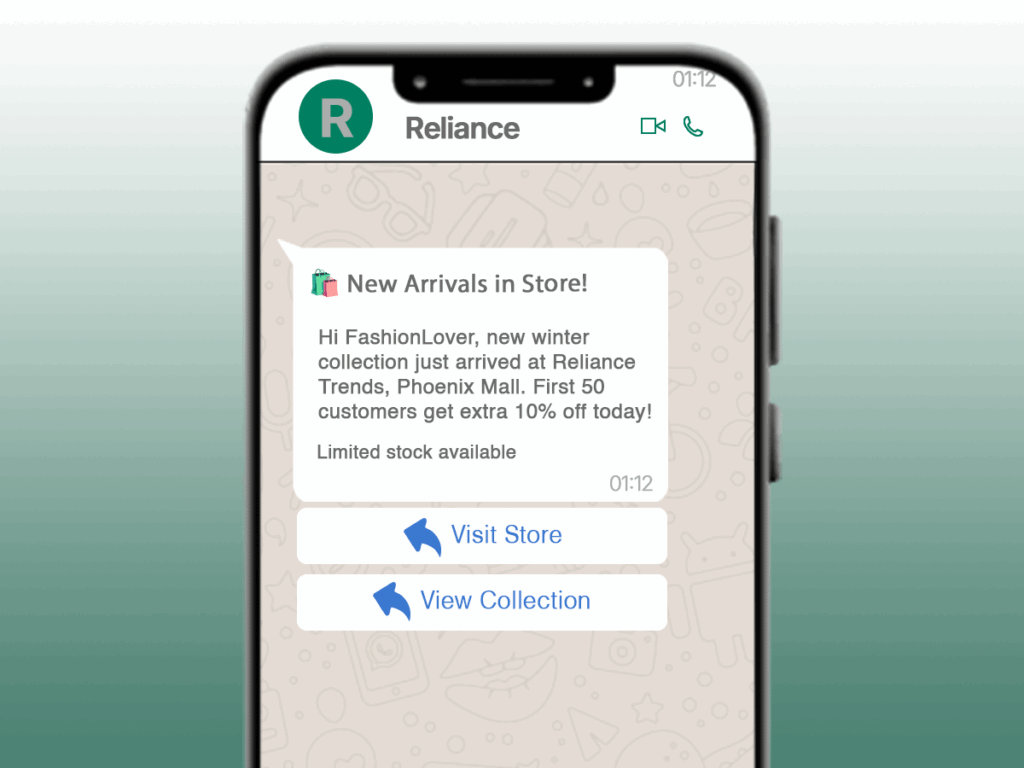
Real Example: Reliance Trends Store Update Template
text
Header: 🛍️ New Arrivals in Store!
Body: Hi FashionLover, new winter collection just arrived at Reliance Trends, Phoenix Mall. First 50 customers get extra 10% off today!
Footer: Limited stock available
Buttons: [Visit Store] [View Collection]
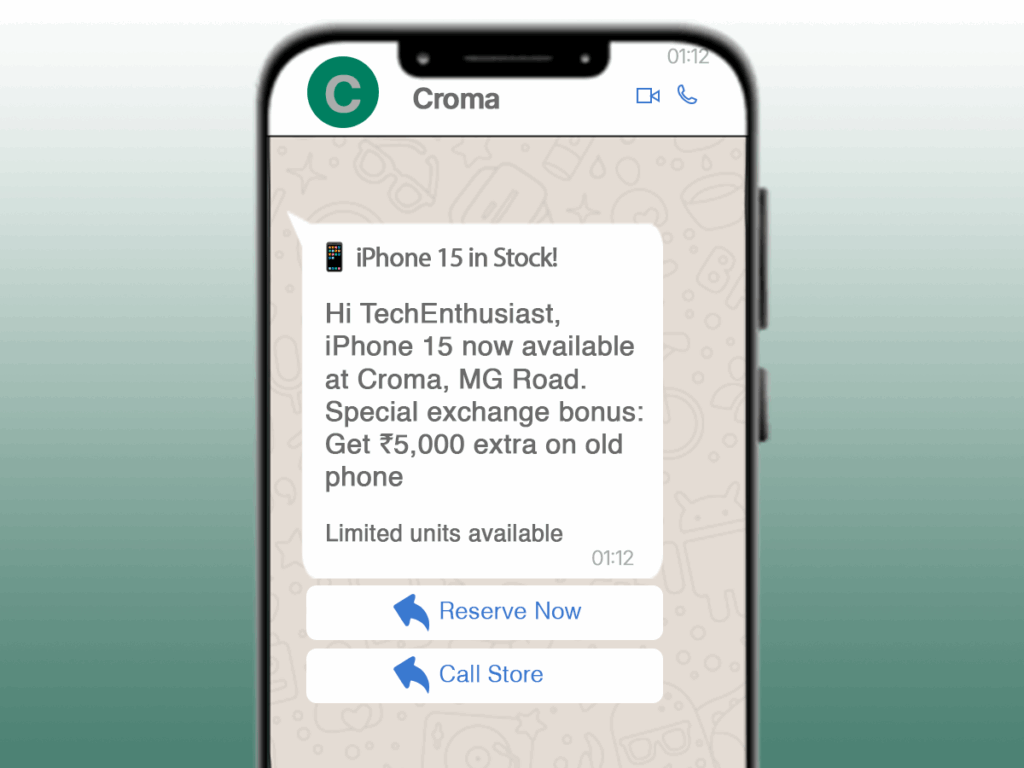
Real Example: Croma Electronics Offer Template
text
Header: 📱 iPhone 15 in Stock!
Body: Hi TechEnthusiast, iPhone 15 now available at Croma, MG Road. Special exchange bonus: Get ₹5,000 extra on old phone
Footer: Limited units available
Buttons: [Reserve Now] [Call Store]
The WhatsApp Template Guide shows how retail stores boost footfall and conversions using targeted WhatsApp messaging.
Chapter 10: Rental Services – Booking & Payment Automation
Rental Business Advantages
- 50% faster booking confirmations
- Automated payment reminders
- Maintenance updates in real-time
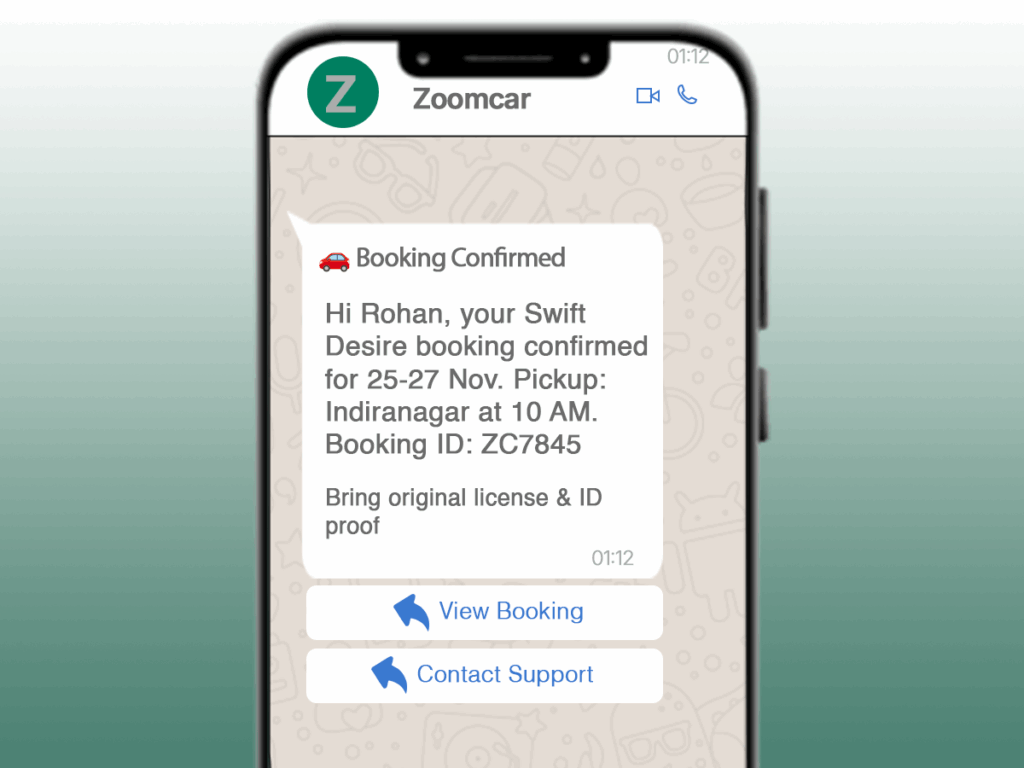
Real Example: Zoomcar Booking Confirmation Template
text
Header: 🚗 Booking Confirmed
Body: Hi Rohan, your Swift Desire booking confirmed for 25-27 Nov. Pickup: Indiranagar at 10 AM. Booking ID: ZC7845
Footer: Bring original license & ID proof
Buttons: [View Booking] [Contact Support]
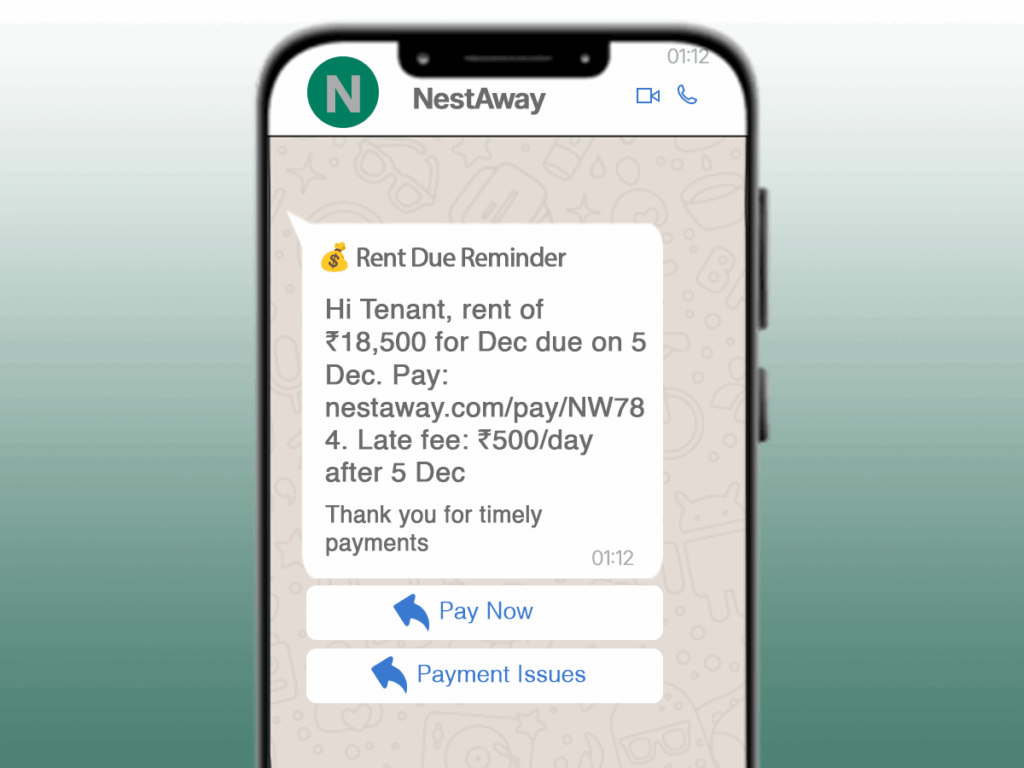
Real Example: NestAway Payment Reminder Template
text
Header: 💰 Rent Due Reminder
Body: Hi Tenant, rent of ₹18,500 for Dec due on 5 Dec. Pay: nestaway.com/pay/NW784. Late fee: ₹500/day after 5 Dec
Footer: Thank you for timely payments
Buttons: [Pay Now] [Payment Issues]
Rental businesses are a core part of this WhatsApp Template Guide because they depend heavily on automated payments and booking confirmations.
Chapter 11: Template Creation & Approval Process
Step-by-Step Waboi Template Builder
Step 1: Access Template Section
- Login to Waboi → Message Templates → Create Template
Step 2: Fill Basic Details
- Name: order_confirmation_v2 (lowercase, no spaces)
- Category: Utility
- Language: English
Step 3: Build Your Template
text
Header: TEXT
Body: Hi {{customer_name}}, your order #{{order_number}} is confirmed! Delivery: {{delivery_date}}. Track: {{tracking_link}}
Footer: Thank you for shopping with us!
Buttons: [Track Order] [Contact Support]
Step 4: Submit for Approval
- Approval time: 24-72 hours
- You’ll receive email notification
This part of the WhatsApp Template Guide walks you through the exact Meta-approved process for building templates correctly.
Pro Tips for Faster Approval
- Use clear, professional language
- Avoid promotional words in utility templates
- Include specific variable examples
- Test character limits before submission
- Ensure buttons match message content
Chapter 12: Advanced Template Strategies for 2025
Personalization That Converts
Basic Personalization:
- Customer name
- Order details
- Location-based offers
Advanced Personalization:
- Purchase history references
- Behavioral triggers
- Real-time inventory updates
A/B Testing Framework
Test These Elements:
- Header vs. No Header
- Button text variations
- Emoji usage
- Message length
Example A/B Test:
text
Version A: “Hi {{name}}, your cart is waiting!”
Version B: “🛍️ Don’t forget your items, {{name}}!”
Performance Tracking
Key Metrics to Monitor:
- Delivery rates
- Open rates
- Click-through rates
- Conversion rates
- Response rates
In this WhatsApp Template Guide, we also explore advanced strategies like personalization, A/B testing, and performance tracking.
Conclusion: Your Template Success Blueprint
3-Step Implementation Plan
Week 1: Foundation
- Create 5 essential templates for your industry
- Submit for approval
- Train your team
Week 2-3: Optimization
- Analyze performance data
- A/B test top-performing templates
- Refine based on results
Month 2: Scaling
- Expand template library
- Implement advanced personalization
- Integrate with other systems
FAQ – WhatsApp Template Guide (2025 Version)
1. What are the three types of WhatsApp templates?
Marketing, Utility, and Authentication templates as per Meta’s official 2025 guidelines.
2. How long does WhatsApp template approval take?
Approval usually takes 24–72 hours, depending on clarity, category, and compliance.
3. Why do WhatsApp templates get rejected?
Common reasons include wrong category, promotional words in utility templates, poor variable formatting, and vague messaging.
4. Do industry-specific templates perform better?
Yes. Based on analysis of 2,100+ Waboi users, industry-specific templates deliver 3.2x better engagement.
5. Can WhatsApp templates include buttons?
Yes. Up to 10 buttons (3 quick replies + 7 CTAs) are allowed in 2025.
Ready to Transform Your WhatsApp Communication?
Need Custom Templates? Book a free template consultation with our WhatsApp experts.
Upcoming Articles:
- [How to Avoid WhatsApp Business Account Bans]
- [WhatsApp Automation Flows That Convert]
- [2025 WhatsApp Conversation Pricing Guide]
- [Waboi vs Competitors: Complete Feature Comparison]
About Waboi: Waboi makes WhatsApp template creation and management effortless for 2,100+ businesses across India. Our visual template builder, pre-approved library, and instant policy checking help businesses get templates approved 3x faster. Use this WhatsApp Template Guide to create high-performing messages, get faster approvals, and maximize your conversions across industries.
Template examples based on real business use cases. Individual approval not guaranteed but highly likely when guidelines are followed.